Have you ever searched for a particular Item to add to an Order but couldn’t quite remember how it was spelled? Or maybe you accidentally typed it wrong and no results came up? If so, you may want to enable Enhanced Search.
So, what is Enhanced Search? We’re so glad you asked!
Within RW, there are two types of search methods: Standard Search and Enhanced Search. Standard Search is the default for all Users and conducts its search based on exact string matching. This means that when you type “grey” it will only return Items that have those exact letters in that exact sequence, like “Grey Velvet Lounge.” If you type any variation of “grey” (such as “gray”), the Standard Search will not return the Grey Velvet Lounge.
The Standard Search is helpful if you have many Items and need your search to narrow the results to find exact pieces. Remember that all Inventory Search looks at terms in the Item Name, Description, and Tags fields.
Enhanced Search, however, expands your search results. Instead of searching for exact matches, it searches for similarities. Type “gray” and the Enhanced Search will return the Grey Velvet Lounge, the Grayson Chair, and the Grape Couch.
Depending on your workflows and Inventory, Enhanced Search may or may not be a helpful tool. Enhanced Search can be enabled on a User-by-User basis. You could use Enhanced Search while your sales team uses Standard Search—it all depends on your particular process.
To enable Enhanced Search, navigate to the “Users” icon in the upper right corner of your browser window.

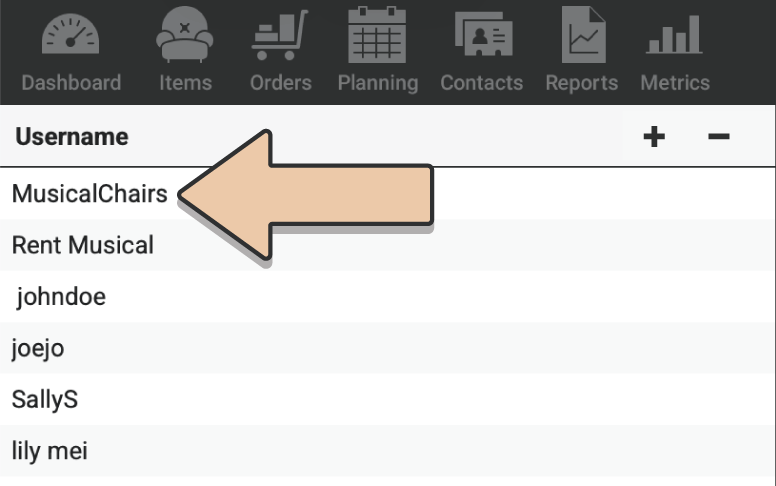
Select a User from the column on the left.
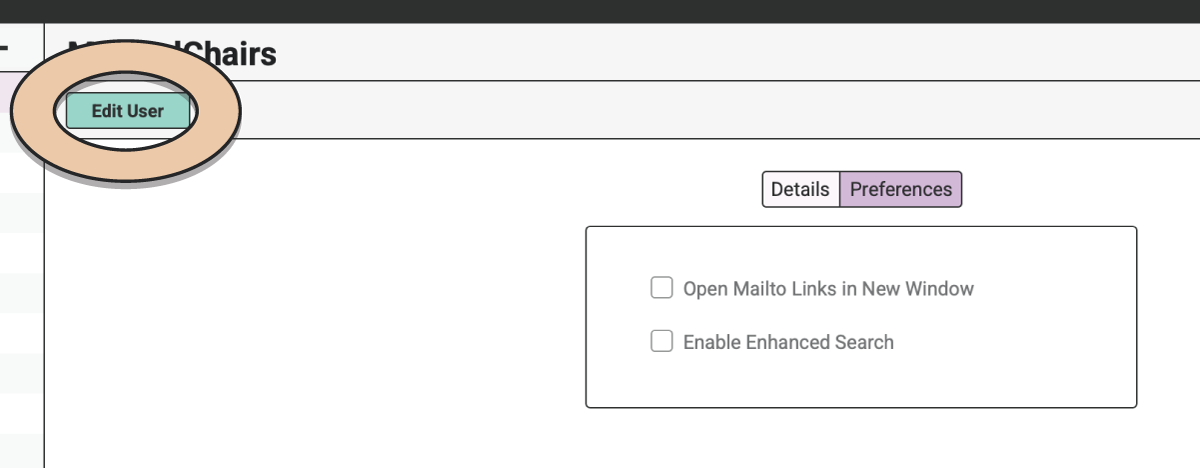
Click on the green “Edit User” button.
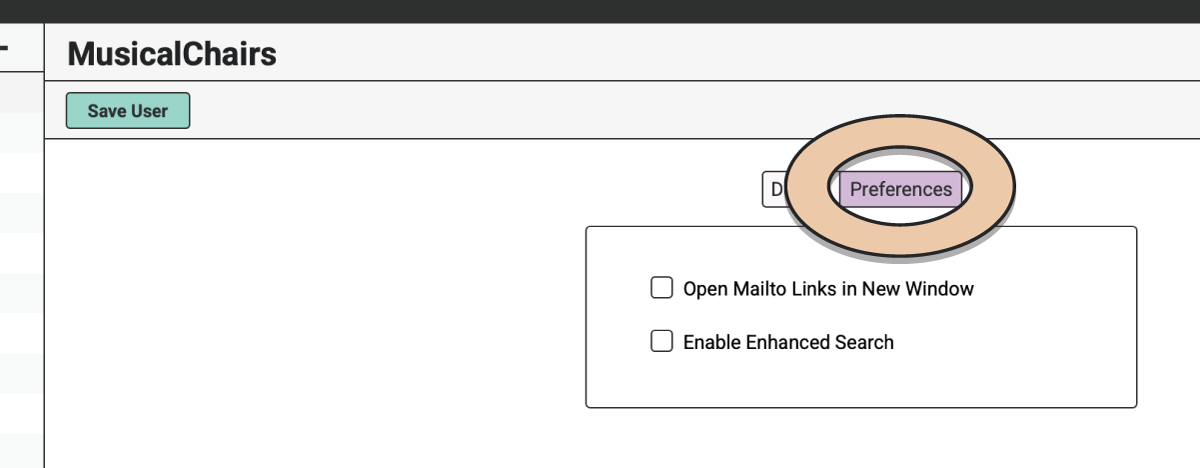
Select the “Preferences” tab.
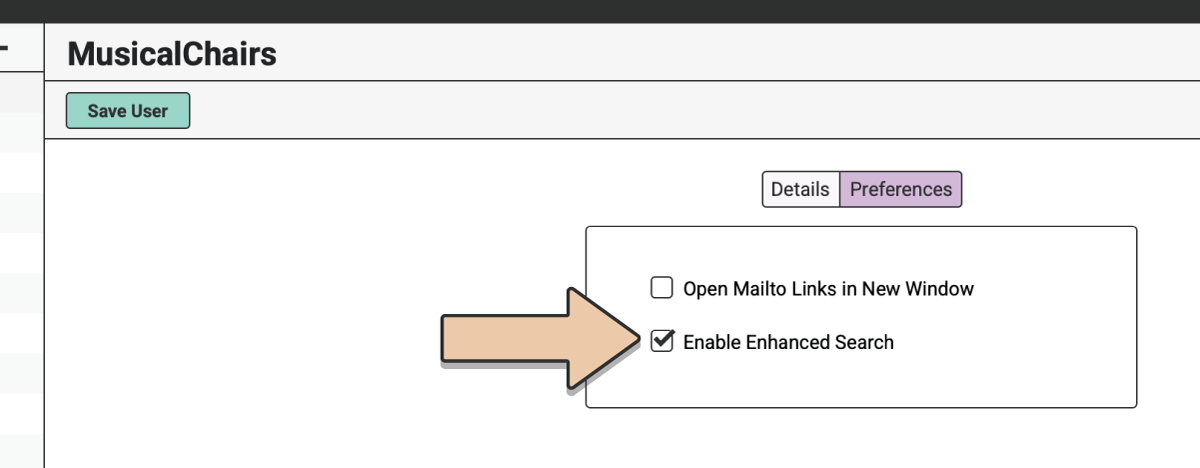
Tick the box next to “Enable Enhanced Search.”
Click the green “Save User” button.
Now whenever you search for Items to add to an Order, the Enhanced Search will provide a wider selection of search results. This feature is enabled on a User-by-User basis.
See more info about User Preferences here.