When a team member leaves your company, you can Archive their RW User. Archiving a User will free up a spot in your allotted Users (check your Plan to see what your User Limit is) to add another User while keeping the previous User’s historical data intact.
To Archive a User, head to the “Users” icon in the upper right corner of your browser window.

Select the User you need to Archive in the column on the left
Right-click (or CONTROL + click) the User.
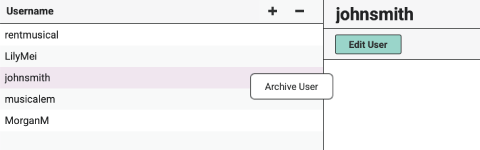
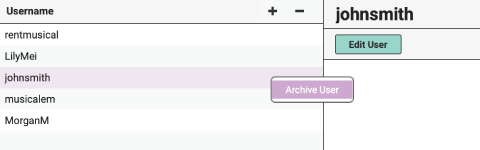
Choose “Archive User.”
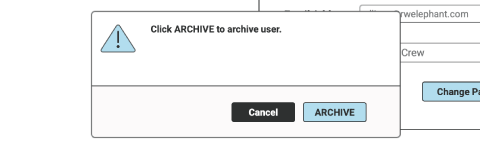
Then click the blue “Archive” button.
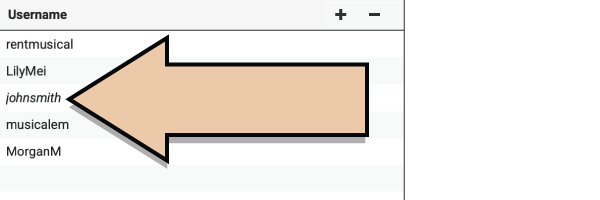
The Archived User will display in italics.
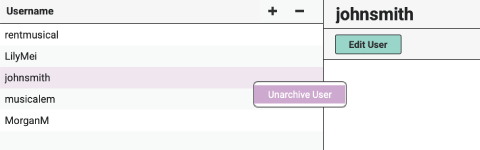
If you need to give an Archived User access to your Account again, right-click the User and choose “Unarchive User.”
See more about User Management here.